



Weekly planning
Employees set office, remote, and location-aware work statuses before the week begins.
Workforce planning
Help employees share office days, managers understand coverage, and workplace teams prepare the right capacity for each site.
Capabilities
The capabilities are tied to real workplace workflows so value, setup, and operations stay clear.
Employees set office, remote, and location-aware work statuses before the week begins.
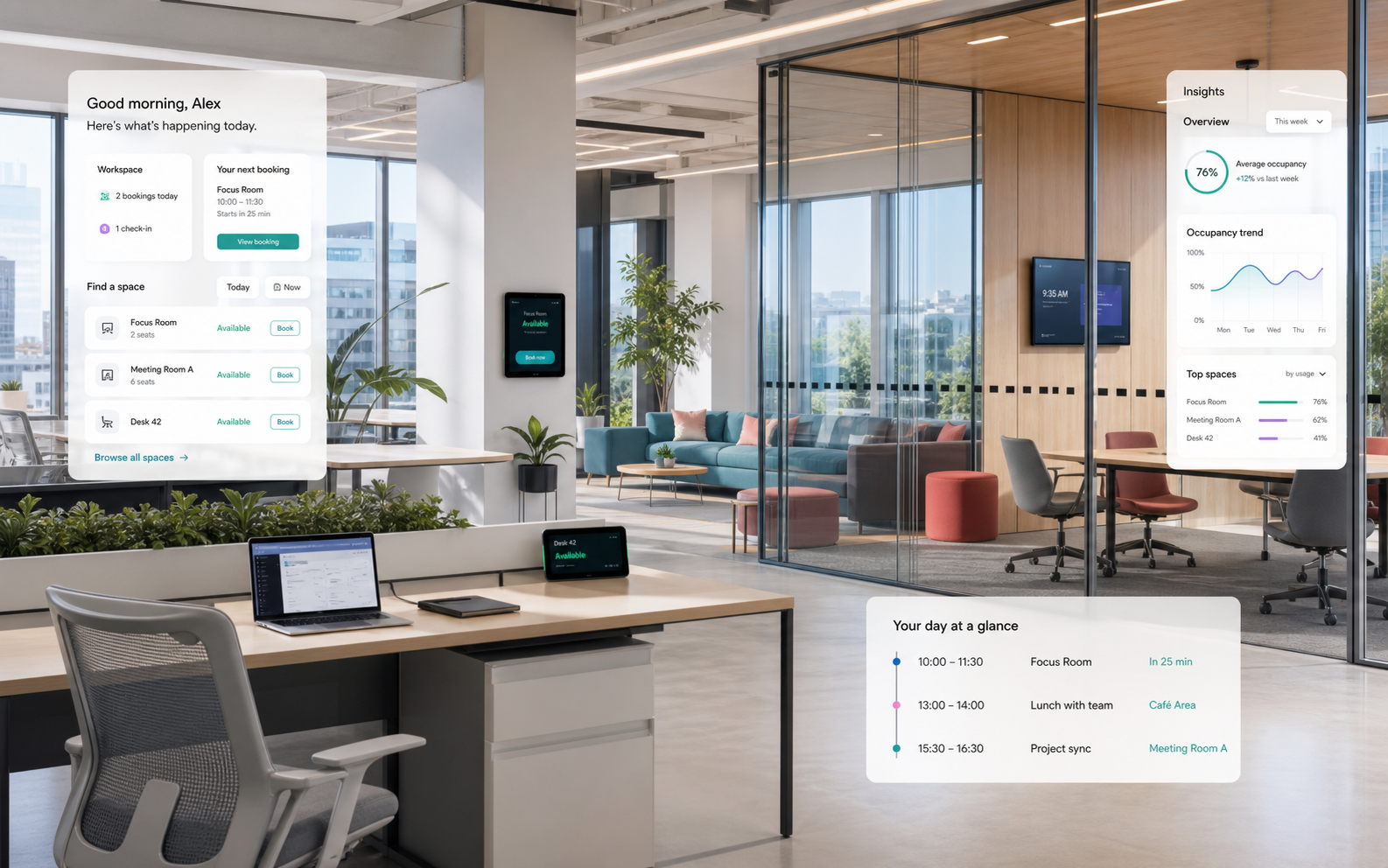
Leaders see team presence, coverage, manager relationships, absences, and collaboration-day patterns without manual check-ins.
Apply hybrid-work rules through user groups, building groups, locations, and HRIS-derived scopes so attendance connects to capacity planning.
Feature checklist
Office and remote day planning
Team calendars and presence overview
Manager views for coverage, collaboration days, and HRIS manager relationships
Hybrid-work rules and assignments by team, user group, building group, or location
User groups, nested groups, group managers, and policy scopes
HRIS absences, locations, legal entities, profile suggestions, and sync conflicts
User work statuses connected to bookings and analytics
Policy visibility by team, building, location, or organization source
Connection to desk and room demand
Attendance trend reporting without intrusive monitoring
Workflow
Resources, roles, locations, and rules are modeled cleanly once.
Employees get fast workflows for planning, booking, and arrival.
Workplace teams use signals to improve capacity, services, and policies.
Operational impact
Help employees share office days, managers understand coverage, and workplace teams prepare the right capacity for each site.
FAQ
No. The story is planning visibility, not intrusive monitoring.
Yes. Team-day visibility is a core employee experience benefit.
Yes. Planned attendance should inform desk and room demand.
Start with a focused pilot
Launch the first Desklix workflows with real teams, real spaces, and useful planning data.